Close Menu
  • Home
  • Gaming
    • News
    • Release Dates
    • Reviews
  • Movies
    • Latest News
    • Release Dates
    • Reviews
  • TV/ Streaming
    • Release Dates
    • Reviews
    • Season Renewals or Cancelations
  • Events

Subscribe to Updates

Subscribe to our newsletter and never miss our latest news

Subscribe my Newsletter for New Posts & tips Let's stay updated!

What's Hot

PRESS START GOTY #10 – Ghost of Yotei

December 21, 2025

Best games of 2025

December 21, 2025

Anger Foot is a frenetic bullet ballet of violence and speed

December 21, 2025
Facebook X (Twitter) Instagram
Movie TV Game
  • Home
  • Gaming
    • News
    • Release Dates
    • Reviews
  • Movies
    • Latest News
    • Release Dates
    • Reviews
  • TV/ Streaming
    • Release Dates
    • Reviews
    • Season Renewals or Cancelations
  • Events
Movie TV Game
Home » New Beta PS5 system update dropped multi-device dual sense support and new low power mode addition
Gaming

New Beta PS5 system update dropped multi-device dual sense support and new low power mode addition

adminBy adminJuly 23, 2025No Comments2 Mins Read
Facebook Twitter Pinterest LinkedIn Reddit WhatsApp Email
Share
Facebook Twitter Pinterest Reddit WhatsApp Email


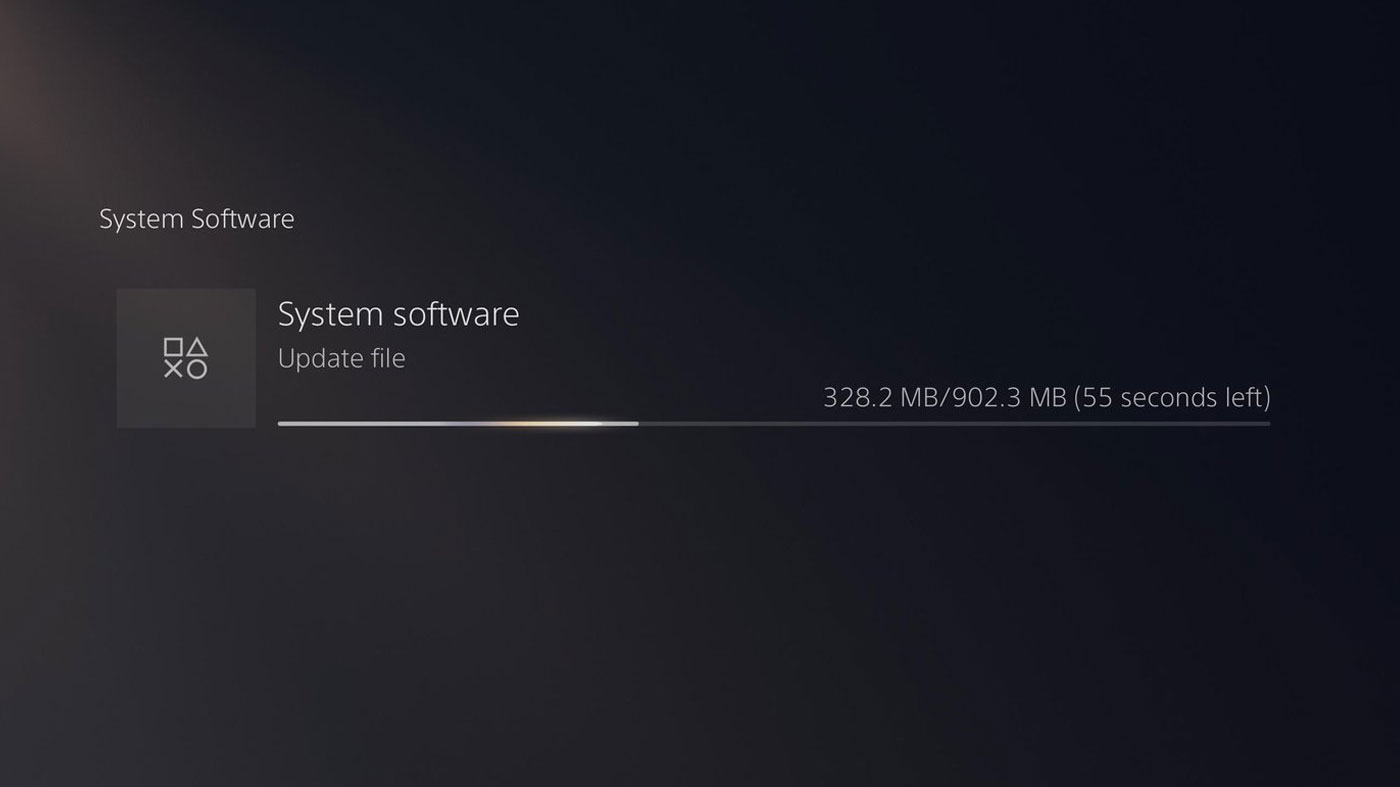
PlayStation has just released details for the upcoming Beta PS5 system update, and was teased a while ago, so it will add the ability for the dual sense controller to connect to multiple devices at once, as well as a new low-power mode that will work in certain games and run out of power from the console.

DualSense pairing now allows you to pair with up to four devices, including PS5, PC, iPhone, or other devices that support Blueooth. These are mapped to triangle, circle, cross, and square buttons that act as slots, and are activated by holding one of these together with the PlayStation button.

How to Pair a Dual Sense Controller with Multiple Devices

Make sure the controller light bar and player indicators are off. If it is on, hold down the PS button until it is off. Press and hold one of the action buttons (triangle, circle, cross, or square) and the PS button for more than 5 seconds. The light bar and player indicators flash twice. Turn on Bluetooth® on your device and select the option to add a Bluetooth® device. The device detects nearby Bluetooth® devices. Select the controller from the discovered devices. The light bar will light up and the player indicator light will flash according to the slot number.

How to switch devices connected to a DualSense controller

Turn on the device you want to connect to. Press and hold one of the action buttons and the PS button for about 3 seconds. When the light bar and player indicators flash, release both buttons. The light bar will light up and the player indicator light will flash according to the slot number.

With an interesting addition (coming later), PlayStation has also announced a new Power Saver mode that scales pack performance in certain games and allows PlayStation to use less power. It will be interesting to see how this actually affects game performance, but it may be a good option for use with indie games that don’t use that much power.

This is down in beta today. This means that new updates can drop in one or two months.


Source link

Share. Facebook Twitter Pinterest LinkedIn WhatsApp Reddit Email
Previous Article“We’re All Dead” Season 2: Next Chapter of Netflix Zombie Series Filming Currently Filming – Cast and plot details revealed
Next Article New “Lucky” trailer: Angel Keanu Reeves creates a swap life for Seth Rogen and Aziz Ansari
admin
  • Website

Related Posts

PRESS START GOTY #10 – Ghost of Yotei

December 21, 2025

Best games of 2025

December 21, 2025

Anger Foot is a frenetic bullet ballet of violence and speed

December 21, 2025

Mortal Kombat: Legacy Kollection packs a nostalgic punch

December 17, 2025

Metroid Prime 4: Beyond is a great sequel that gets most things right

December 15, 2025

Here are all the announcements for The Game Awards 2025

December 12, 2025
Add A Comment
Leave A Reply Cancel Reply

Our Picks

Sheep Detective trailer: Hugh Jackman’s sheep investigates his murders

December 20, 2025

Oscars move to YouTube: Academy Awards aims for historic streaming move under multi-year deal

December 20, 2025

‘The Breadwinner’ Trailer: Comedian Nate Bargatze’s First Movie Tackles the Chaos of Stay-at-Home Dad

December 20, 2025

‘Digger’ teaser trailer: Tom Cruise dances in first look at ‘The Revenant’ director Alejandro G. Iñárritu’s new film

December 20, 2025
Don't Miss
Gaming

PRESS START GOTY #10 – Ghost of Yotei

By adminDecember 21, 2025

When you buy through links on our site, Press Start may earn a commission at…

Best games of 2025

December 21, 2025

Anger Foot is a frenetic bullet ballet of violence and speed

December 21, 2025

Sheep Detective trailer: Hugh Jackman’s sheep investigates his murders

December 20, 2025
About Us
About Us

Welcome to MovieTVGame, your go-to source for all things movies, TV, and gaming in Australia!

At MovieTVGame, we understand how important it is to stay updated with the latest entertainment news and release schedules, especially for our Aussie audience. Our mission is to provide you with timely information and engaging content that celebrates the vibrant world of film, television, and gaming, with a specific focus on Australian release dates and trends.

Our Picks

Four writers named for early career training program | Screen Hub Australia

December 13, 2024

Screen Australia, ABC and NITV announce proper love-up short film initiative

December 13, 2024

Jinpa, please don’t get arrested! and Together selected for Sundance 2025 | Screen Hub Australia

December 13, 2024

Subscribe to Updates

Subscribe to our newsletter and never miss our latest news

Subscribe my Newsletter for New Posts & tips Let's stay updated!

Facebook X (Twitter) Instagram Pinterest
  • Home
  • About Us
  • Advertise with Us
  • Contact us
  • DMCA Policy
  • Privacy Policy
  • Terms & Conditions
© 2025 movietvgame. Designed by movietvgame.

Type above and press Enter to search. Press Esc to cancel.